Digimon UP Top Up Guide: Fast & Cheapest Recharge 2026

Looking for a fast and affordable way to top up Digimon UP in 2026? Whether you are playing from Singapore, Indonesia, or another supported region, choosing the right top up method can make purchasing DigiDiamonds and other in-game items more convenient.
In this guide, we will explain how Digimon UP top up works, what you need before placing an order, how to top up Digimon UP through UIDGames, and how the UIDGames login based delivery method works.
What Is DIGIMON UP?
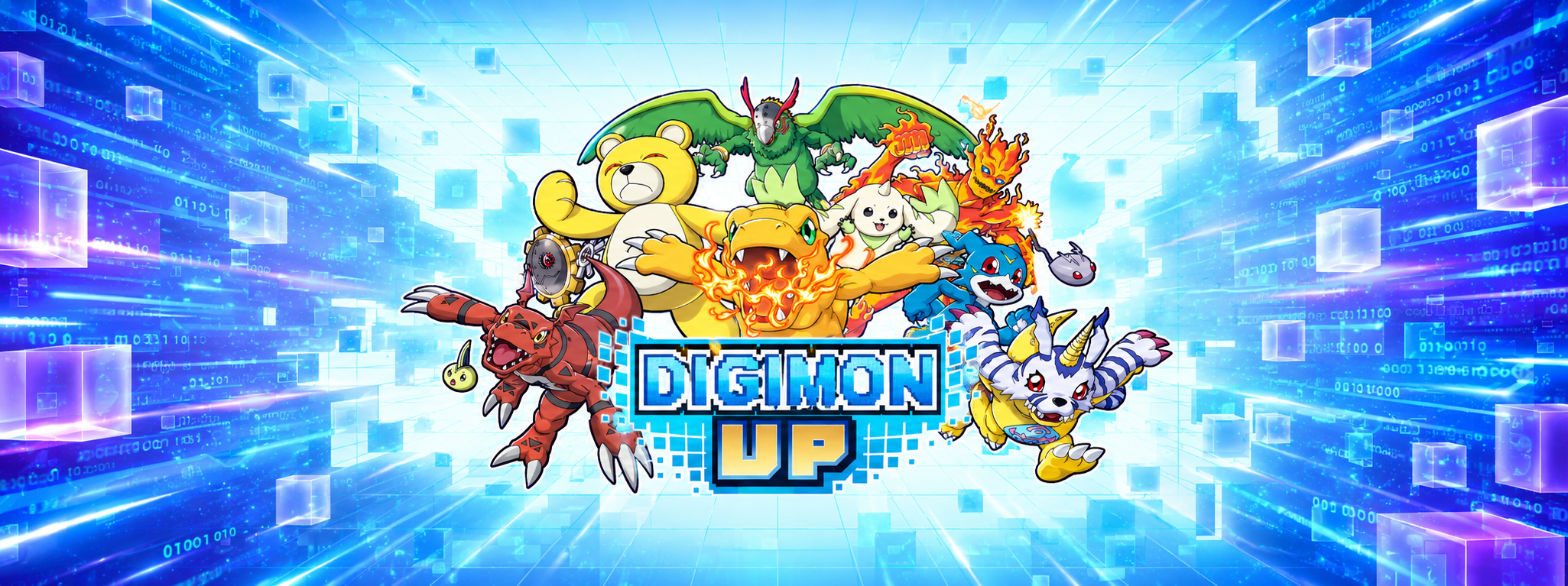
DIGIMON UP is a Digimon Idle Raising RPG developed and published by Bandai Namco Entertainment. The game focuses on raising and training Digimon, evolving them toward Mega Digivolution, and battling with your Digimon. Players can feed and train their partners while progressing through the game's automated adventure system. According to the official Bandai Namco website, DIGIMON UP is free to play and includes paid items and loot boxes. The game is available on App Store and Google Play.
Since its official launch in July 2026, DIGIMON UP has continued to receive official updates and campaigns from Bandai Namco.
Why Do Players Top Up Digimon UP?
DIGIMON UP can be played without spending money, but the game also offers paid items that can help players progress or access additional in game content. The official Bandai Namco Web Store currently offers several DigiDiamond and DigiEmerald packages, including both standard packages and special offers. For players who regularly purchase in game currency, finding a convenient and competitive Digimon UP recharge option can make the process easier.
Digimon UP Top Up Currency
DIGIMON UP currently features currencies including DigiDiamonds and DigiEmeralds. The official Bandai Namco Web Store lists multiple packages for both currencies. For example, the current official store lists DigiDiamond packages ranging from 160 DigiDiamonds for US$0.99 to larger packages such as 35,300 DigiDiamonds for US$169.99.
Available packages and promotions can change, so players should always check the latest prices before purchasing.
Read to: How to Use the Web Store
How to Top Up Digimon UP on UIDGames
UIDGames provides a dedicated Digimon UP top up service using a login based delivery method. Unlike games where you only enter a UID and server, the current UIDGames Digimon UP order form requires account information for the top up process.
Step 1: Select Your Digimon UP Package
Open the Digimon UP top-up page on UIDGames and select the package you want to purchase.
Choose carefully based on the amount of currency you need.
Step 2: Select Your Login Method
UIDGames requires you to select your Login Method before entering your account information.
This is an important part of the Digimon UP top-up process because UIDGames uses a login-based method for this game.
Step 3: Enter Your Account Information
The current UIDGames Digimon UP page requires the following information:
Login Method
Email
Password
User ID / In game Name
Server
Make sure all information is correct before submitting your order.
Step 4: Enter Your Contact Information
You will also need to provide your contact information.
UIDGames currently asks for an email address and WhatsApp number. The site states that the WhatsApp number may be contacted if there is a problem with the order.
Step 5: Complete Your Payment
Before paying, double check:
Your selected package
Login method
Email
Password
User ID or in-game name
Server
Contact information
Once everything is correct, complete the payment using the available payment option.
Step 6: Wait for Delivery
UIDGames currently states that Digimon UP top up orders usually take 10-30 minutes after successful payment.
Processing time can vary depending on the order and account conditions, so make sure your account information is accurate to avoid unnecessary delays.
How to Find Your Digimon UP UID and Server
Before ordering a Digimon UP top up, you should know your UID and server.
How to Find Your UID
Open DIGIMON UP.
Open your Tamer Profile.
Look for the UID displayed next to the UID information.
Copy the number and enter it into the UIDGames order form.
UIDGames currently provides these instructions on its Digimon UP top up page.
How to Find Your Server
To find your active server:
Open DIGIMON UP.
Go to the game's title screen.
Check the server information displayed near the top of the screen.
Enter the same server when placing your UIDGames order.
Using the correct server is important when submitting a login-based top up order.
Read to : Visit Now UIDGames
Is UIDGames an Official Digimon UP Store?
DIGIMON UP itself is an official Bandai Namco Entertainment game. The official Bandai Namco website provides game information, announcements, supported platforms, and official updates. UIDGames is a separate third party game top up platform that provides a Digimon UP top up service.
Therefore, players should distinguish between:
Bandai Namco Entertainment - the official publisher of DIGIMON UP
Bandai Namco Entertainment Web Store - Bandai Namco's official in game item store
UIDGames - a third party platform providing Digimon UP top up services
The official Bandai Namco Web Store requires players to link their game account with a Bandai Namco ID before purchasing items.
Digimon UP Top Up: Official Store vs UIDGames

Both options serve different purposes. The official Web Store states that its service allows players to purchase in game items and that some items can be purchased at a discount compared with the in-game price.
How to Get a Cheap Digimon UP Top Up
If you are looking for a cheap Digimon UP top up, don't only compare the advertised price. Instead, compare the total value you receive. Consider:
Currency amount
Package price
Current promotions
Payment fees
Delivery time
Available payment methods
The official Bandai Namco Web Store currently has different DigiDiamond and DigiEmerald packages and periodically offers special promotions. UIDGames prices and availability can also change, so always check the current Digimon UP product page before purchasing.
Why Choose UIDGames for Digimon UP Recharge?
UIDGames provides a dedicated Digimon UP top-up page with a straightforward ordering process. The current product page highlights:
Fast delivery
Secure payment
Verified seller
Dedicated Digimon UP top-up service
UIDGames also states that Digimon UP orders usually take 10–30 minutes after successful payment.
For players who prefer a third party top up platform, this can provide a convenient alternative for purchasing Digimon UP packages.
Important Tips Before You Top Up
1. Check Your Login Method
Because UIDGames uses a login-based method for Digimon UP, make sure you select the correct login method.
2. Enter the Correct Account Information
Double check your email, password, User ID/in game name, and server before submitting your order.
3. Check Your Package
Make sure you have selected the correct Digimon UP package before completing payment.
4. Keep Your Order Details
Keep your payment confirmation and order information until the top-up has been successfully completed.
5. Use Official Sources for Game Updates
For new Digimon, campaigns, game changes, and official announcements, always refer to the official Bandai Namco DIGIMON UP website.
Digimon UP Top Up FAQ
Q. How do I top up Digimon UP?
A. You can top up Digimon UP through UIDGames by selecting your package and providing the required login information, including your login method, email, password, User ID/in game name, and server.
Q. Does UIDGames use UID-only top up for Digimon UP?
A. No. The current UIDGames Digimon UP service uses a login-based method and requires additional account information.
Q. How long does Digimon UP top up take?
A. UIDGames currently states that Digimon UP orders usually take 10-30 minutes after successful payment.
Q. Where can I find my Digimon UP UID?
A. Open your Tamer Profile in DIGIMON UP. UIDGames states that the UID can be found next to the UID information in the profile.
Q. Where can I find my Digimon UP server?
A. The active server is displayed on the DIGIMON UP title screen.
Q. What currency can I buy in DIGIMON UP?
A. The official Bandai Namco Web Store currently lists DigiDiamonds and DigiEmeralds among its purchasable currencies.
Q. Is DIGIMON UP free to play?
Yes. Bandai Namco describes DIGIMON UP as a free to play game with paid items and loot boxes.
Q. Who publishes DIGIMON UP?
A. DIGIMON UP is published by Bandai Namco Entertainment Inc.
Q. Where can I download DIGIMON UP?
The official website lists App Store and Google Play as the supported distribution platforms.
Final Thoughts
DIGIMON UP brings the classic Digimon experience into an idle RPG format, allowing players to raise, train, evolve, and battle their Digimon. With paid items and multiple in-game currencies available, top-ups can be useful for players who want additional resources and faster access to available purchases.
For players searching for a convenient Digimon UP top up option, UIDGames provides a login based top up service with package selection, account information, server details, and contact information required during checkout. UIDGames currently states that orders usually take 10-30 minutes after successful payment.
Before purchasing, always check the latest package and price, enter your account information carefully, and verify your server.
Ready to top up Digimon UP? Visit UIDGames and choose your Digimon UP package to get started.
Top Up Your Favorite Games Easily
Looking for cheap and fast game top up services?
Visit UIDGames to top up, buy in-game items, and enjoy your favorite games with:
affordable prices
fast transactions
secure payment methods
trusted gaming services
instant delivery
Whether you want to buy game items, top up game currency, or purchase your favorite games, UIDGames provides a fast, secure, and reliable platform for gamers worldwide